System
Device identity, firmware, clock, power saving, password, HTTPS certificate, access tokens and reset.
Device
Identification of the unit itself.
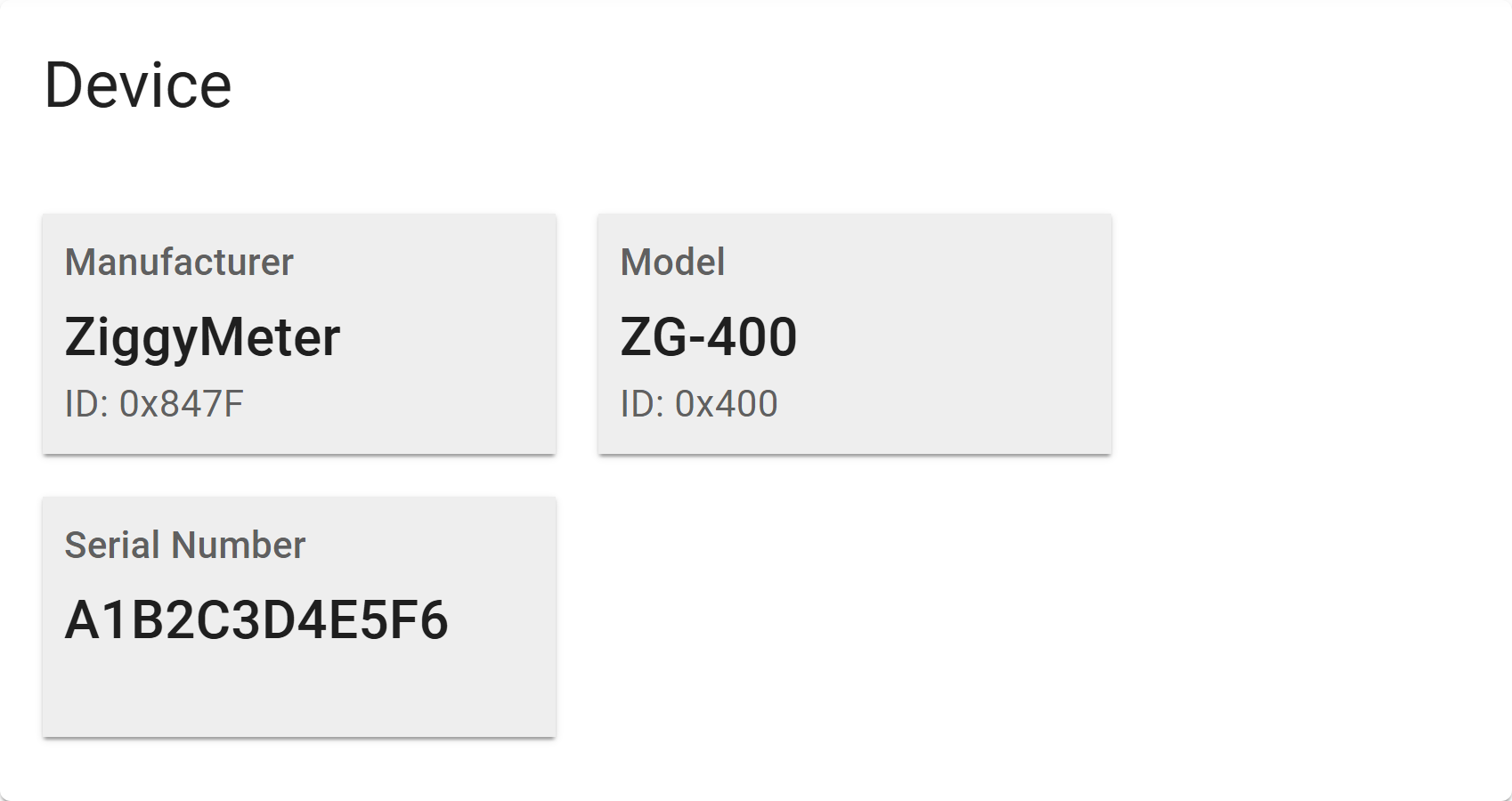
| Field | Notes |
|---|---|
| Manufacturer | ZiggyMeter |
| Model | Hardware model, e.g. ZG-400 |
| Serial number | Unique identifier of this unit |
Software version
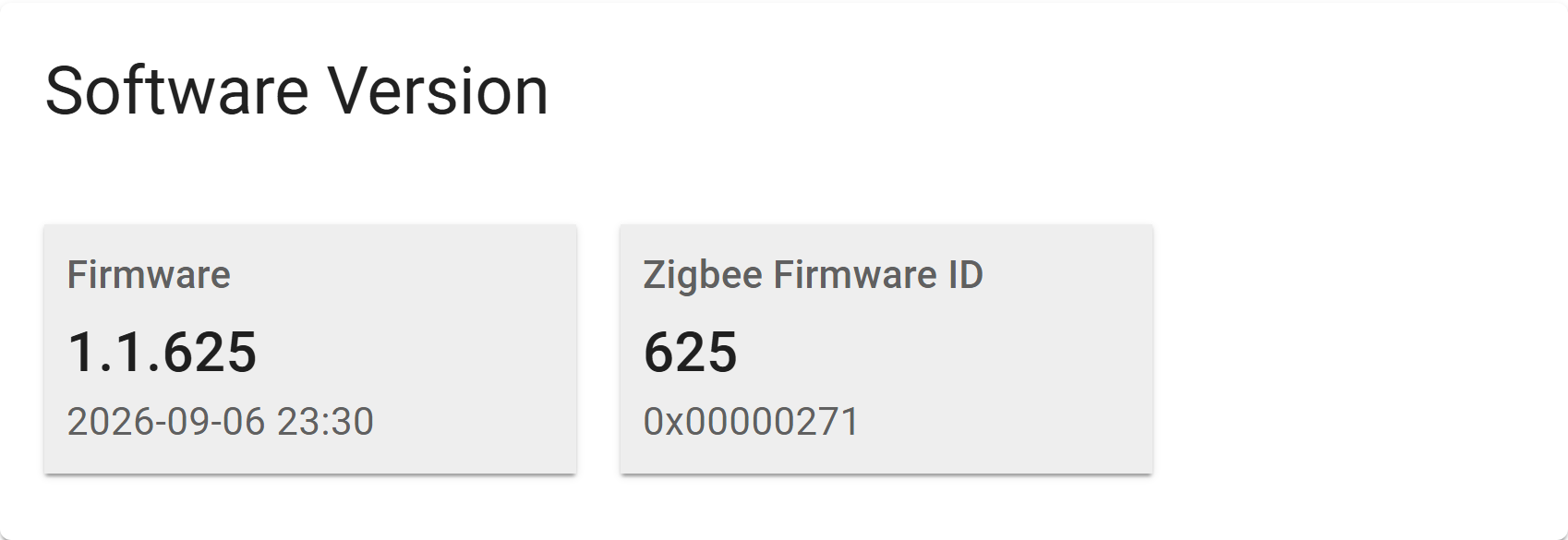
| Field | Notes |
|---|---|
| Firmware | The running firmware version — see Versioning |
| Zigbee firmware ID | The build number reported to a Zigbee coordinator |
Check this before applying an update or requesting support.
Clock
Meter readings are timestamped, so the clock matters.
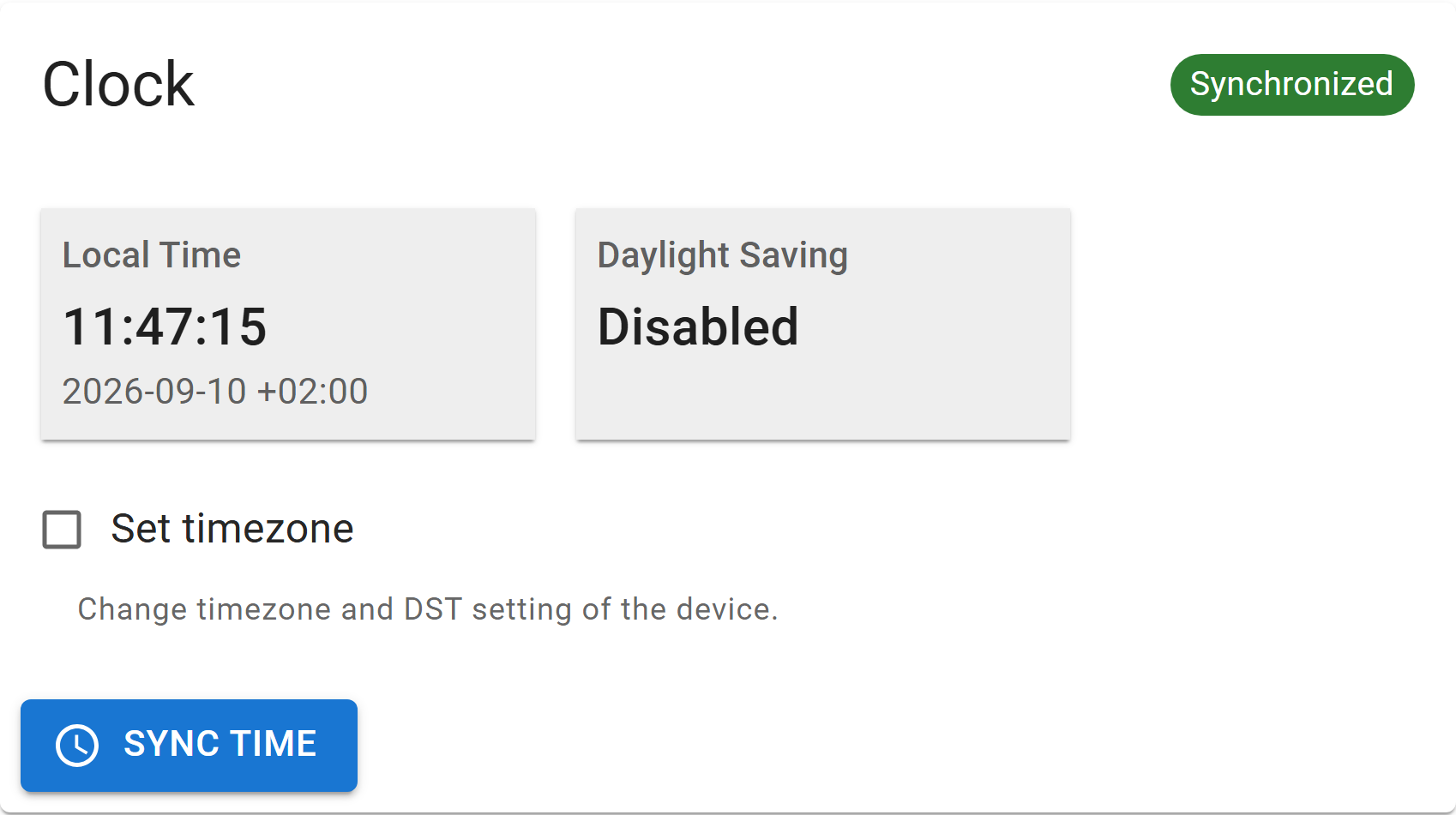
| Control | Meaning |
|---|---|
| Synchronized / Not synchronized | Whether the device has a valid time |
| Local time | Current device time in the configured timezone |
| Daylight saving | Whether DST applies to the selected timezone, and when it next changes |
| Set timezone | Choose the timezone and its DST rule |
| Sets the device clock from your browser immediately |
How the clock is set
There are three sources:
| Source | Sets the time | Sets the timezone |
|---|---|---|
| Zigbee — the Time cluster on your coordinator | Yes | Sometimes, see below |
| NTP — over Wi-Fi | Yes | No |
| Manually — here, from your browser's clock | Yes | Optional, see below |
The timezone is a separate setting from the time itself. Set timezone on this card sets it by hand, whichever source supplies the time — so you can always correct or override it.
INFO
With Wi-Fi and Zigbee both enabled, Zigbee is used and NTP is not started. After that, the device re-synchronises at most once every 24 hours — its crystal drifts by under two seconds a day, so more often would achieve nothing.
TIP
On the first Zigbee sync, if no timezone has been configured, the device derives one from the coordinator's DST attributes. Not every coordinator publishes them — Zigbee2MQTT does not — so you may still need to set the timezone by hand.
INFO
The clock is not battery-backed: it is lost at power-on and after a power cut, and until it is set, timestamps start from 1970. Deep sleep does not lose it, so a battery-powered device keeps correct time between readings.
Upgrade
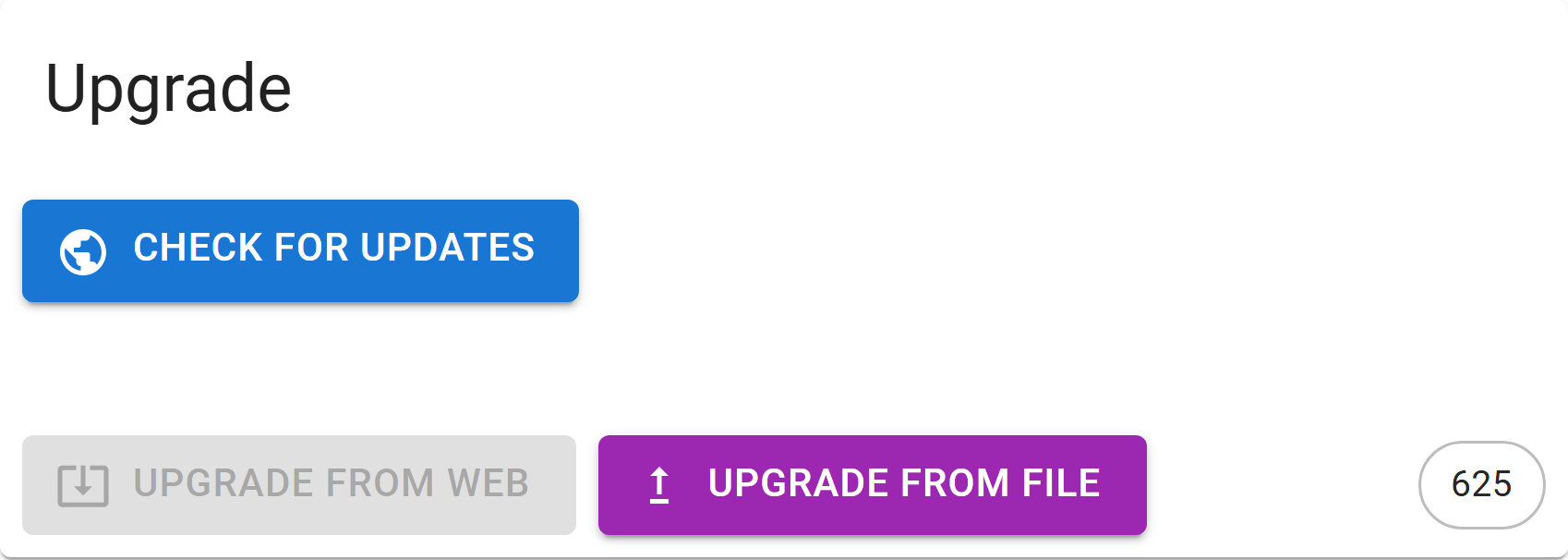
| Control | Effect |
|---|---|
| Looks online for newer firmware | |
| Downloads and installs it | |
Installs a .ota file from your computer |
TIP
Only your browser needs internet access to check for updates — ZiggyMeter itself does not have to reach the internet.
The device reboots after a successful upgrade. Full procedure and the meaning of each error: Firmware upgrade.
Power saving mode
Controls whether the device sleeps between readings.
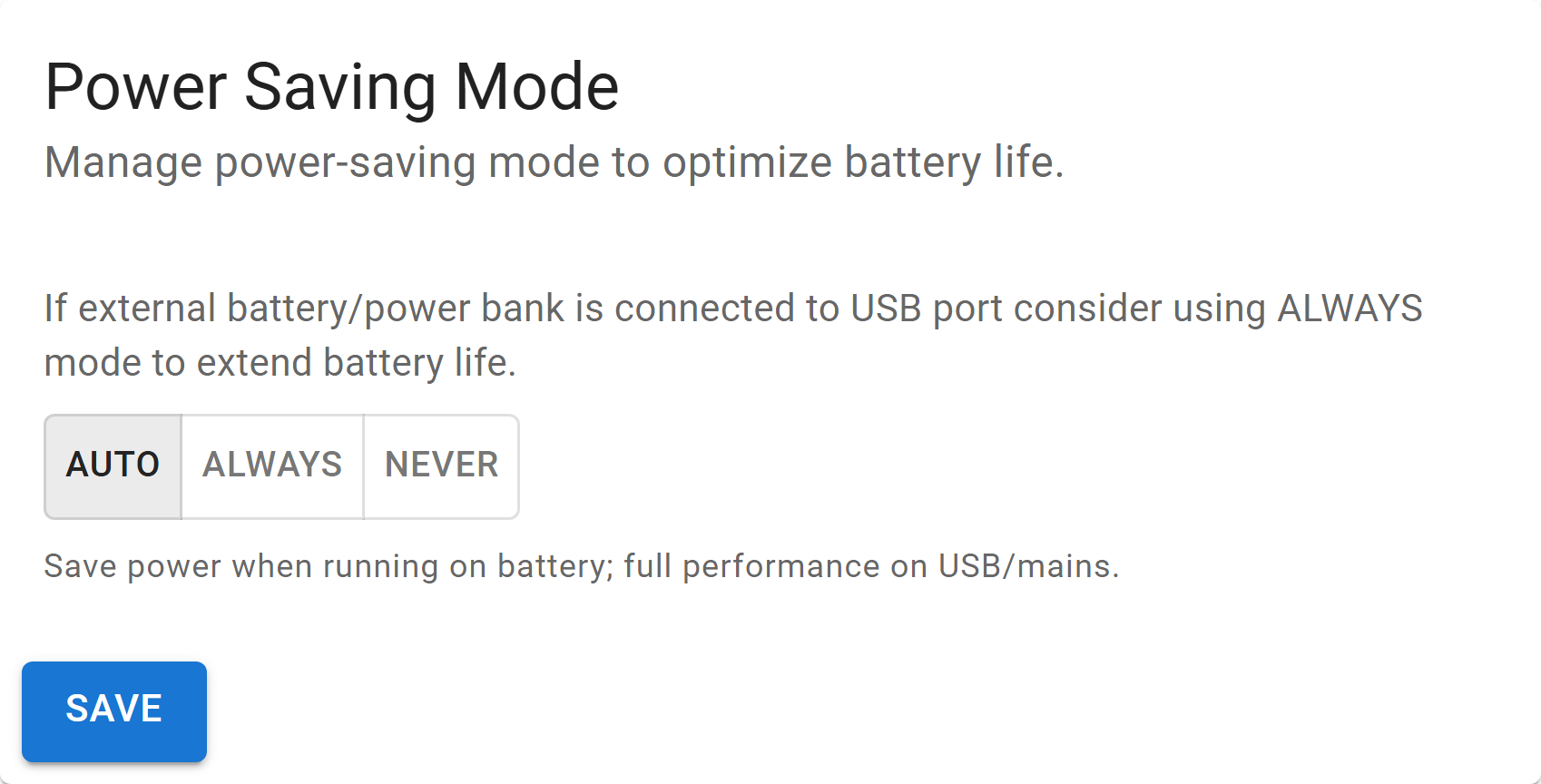
| Mode | Behaviour |
|---|---|
| Auto | Default. Saves power on battery, full performance on USB or mains. |
| Always | Always save power, even on USB. Useful with a power bank. |
| Never | Never sleep. The device stays responsive but drains batteries very quickly. |
See Power and batteries.
Change password
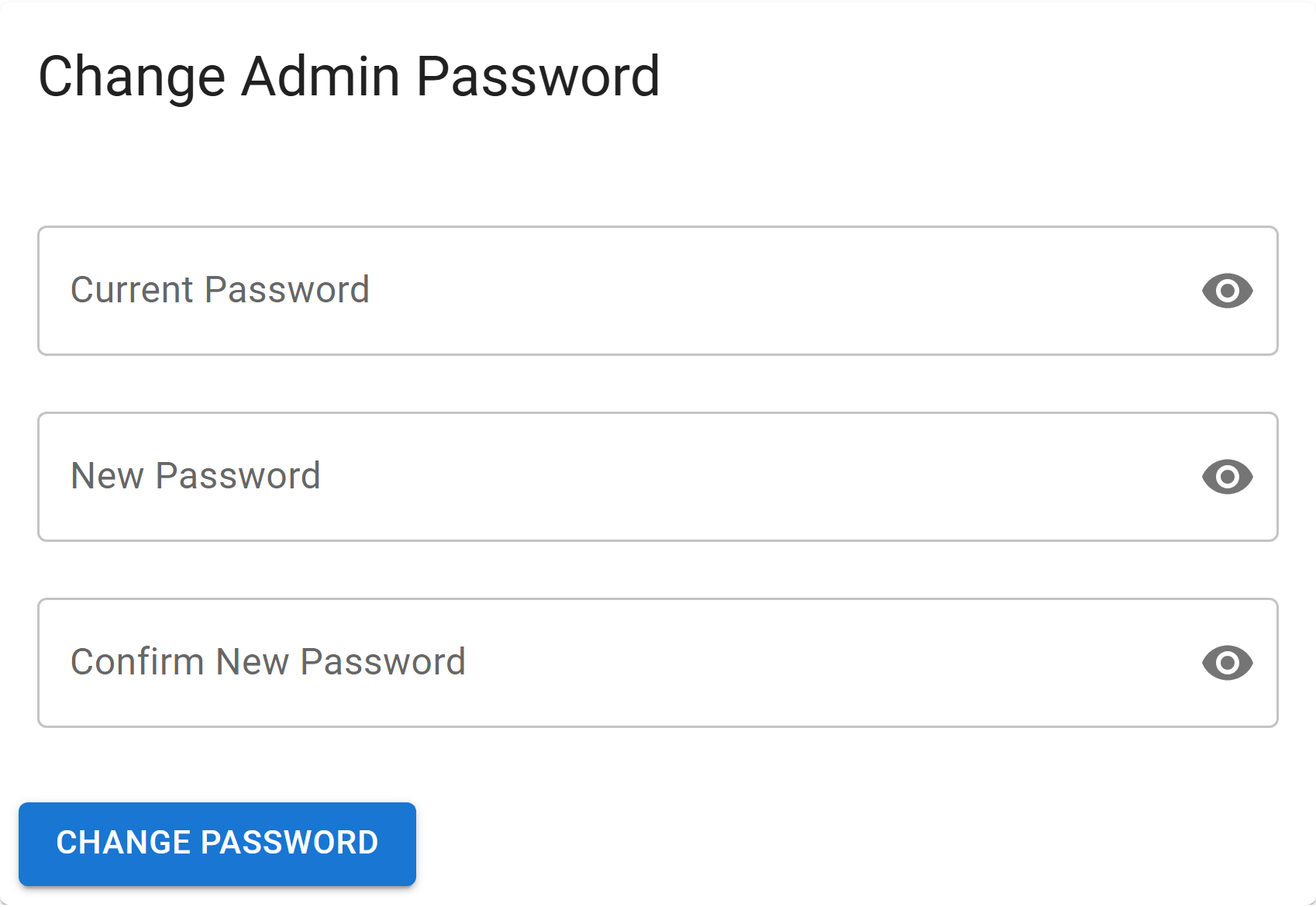
- Enter the current administrator password.
- Enter the new password, and repeat it to confirm.
- Select .
Forgot it? A factory reset is the only way back in.
HTTPS certificate
The certificate the device presents when you open its web interface over HTTPS. Every device ships with a factory certificate; you can replace it with your own — for example one issued by your home CA, so the browser stops warning about the connection.
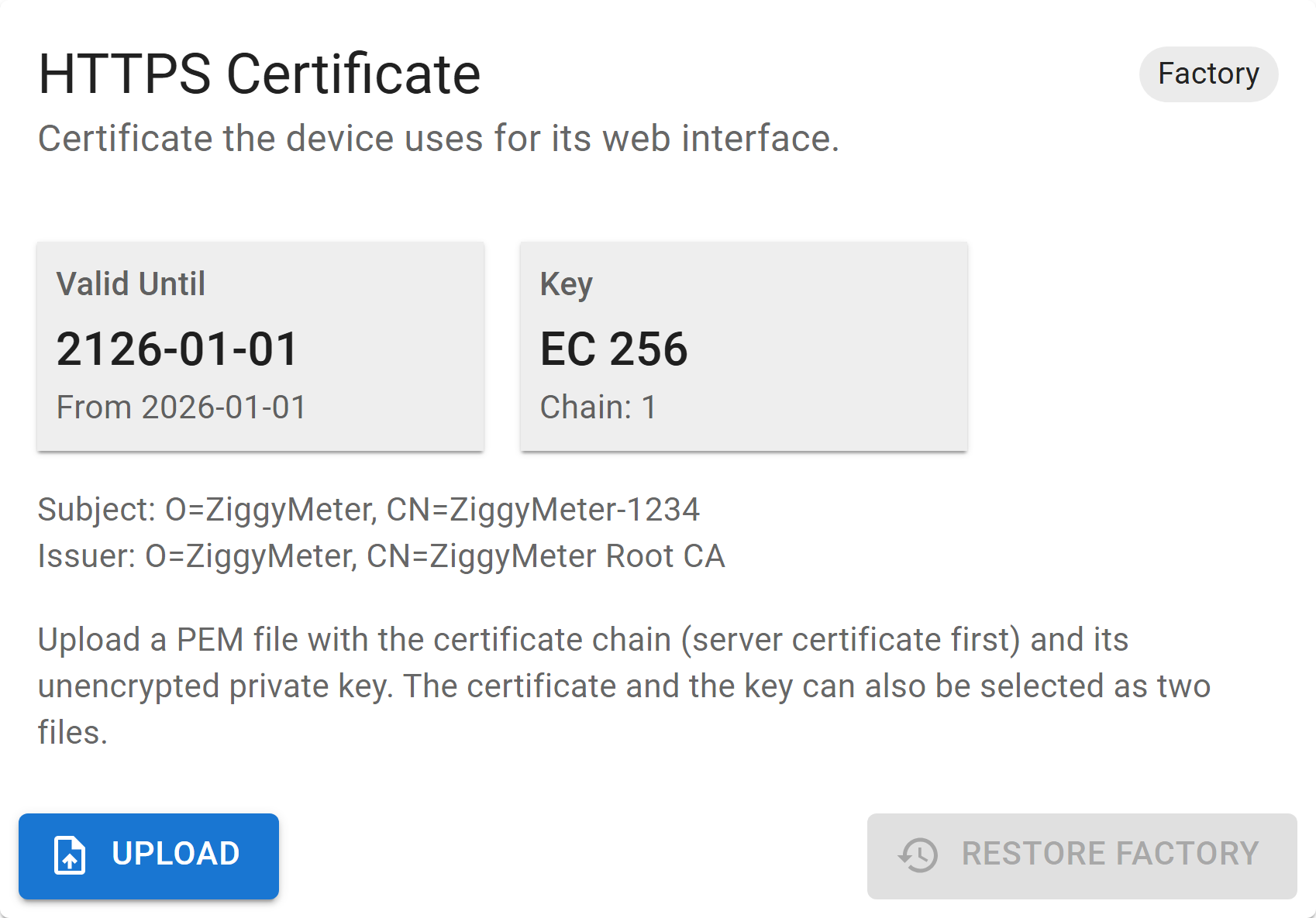
| Field | Meaning |
|---|---|
| Factory / Custom | Which certificate is installed |
| Valid until | End of the validity period, with the start date below it — or Expired |
| Key | Key type and size, e.g. EC 256, and the number of certificates in the chain |
| Subject / Issuer | Who the certificate was issued to, and by whom |
| Button | Effect |
|---|---|
| Installs your own certificate and reboots | |
| Puts the factory certificate back and reboots. Available only while a custom certificate is installed. |
Installing your own certificate
- Prepare the certificate chain — server certificate first, then any intermediates — and its private key, in PEM format. Either combine them into one file, or keep them as two files and select both at once.
- Select , pick the file or files, and confirm.
- The device checks the certificate, installs it and reboots. Reload the page when it is back.
Requirements:
| Format | PEM text, at most 12 KiB for chain and key together |
| Private key | Unencrypted, and matching the server certificate. Password-protected keys are rejected. |
| Key type | EC or RSA. EC prime256v1 is strongly recommended — the device accelerates it in hardware. |
| Key usage | If the certificate restricts its use, it must allow digital signature and TLS server authentication |
| Name | Include the name you use to reach the device — ZiggyMeter-XXXX, its IP address, or both — in the Subject Alternative Name, or the browser will still warn |
The device does not check the validity period, so it will install a certificate that has already expired or is not yet valid. Watch the Valid until field and replace the certificate in time.
INFO
Upload requires HTTPS. The file contains a private key, so the device refuses it over the plain HTTP used in Access Point mode. Join the device to your Wi-Fi first.
If the device rejects the file, nothing is changed and the reason is shown — for example Private key does not match the (first) certificate. If an installed certificate ever becomes unreadable, the device restores the factory one at the next start.
TIP
The factory certificate is never overwritten, so it can always be restored. A factory reset removes a custom certificate too — upload it again afterwards.
Long-lived access tokens
Tokens for scripts and integrations that use the REST API. A normal login token expires after 30 minutes; these never expire, so a program can use one without handling the password or logging in again.
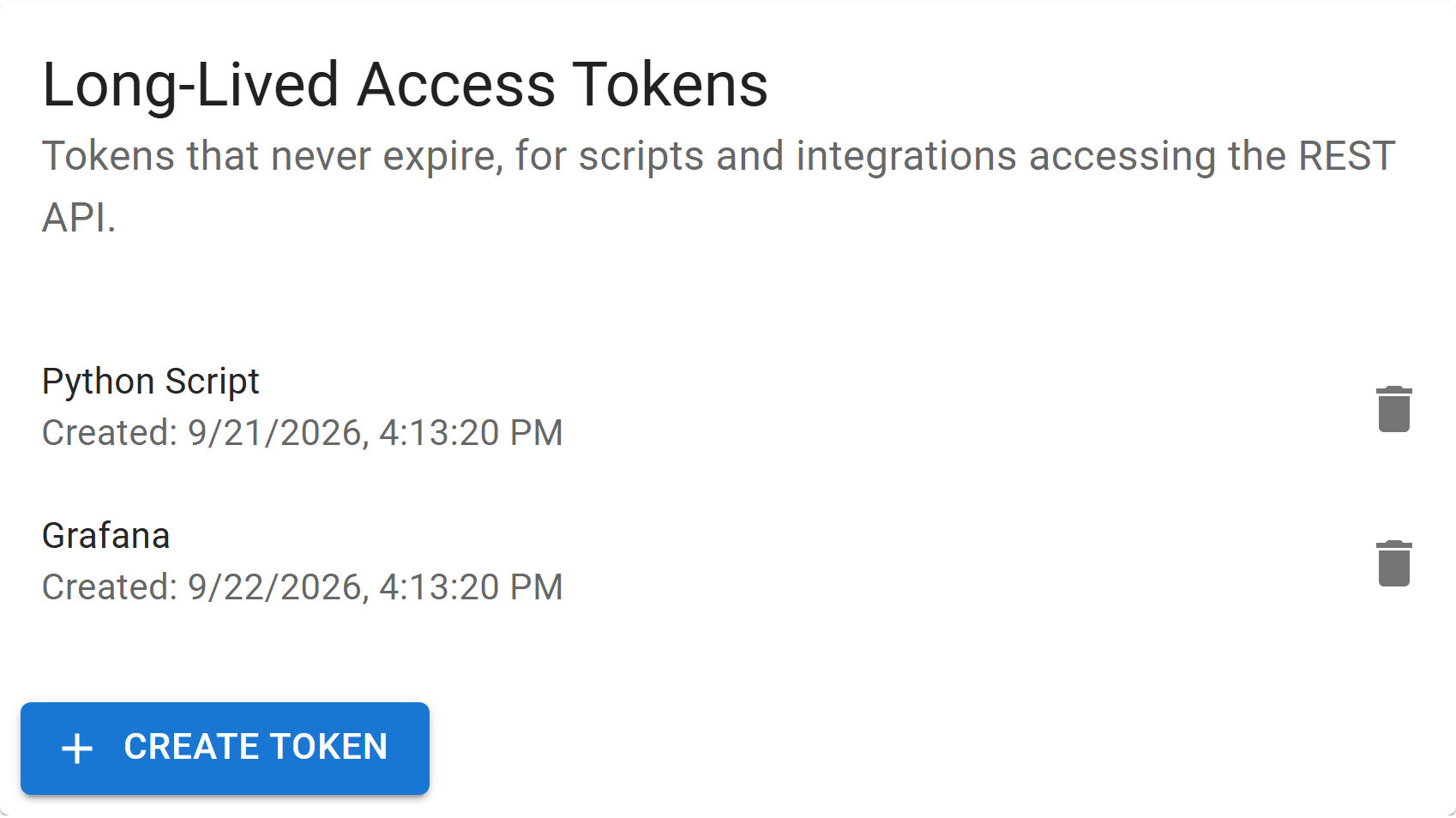
The card lists existing tokens by name and creation date. Up to three tokens can exist at a time.
Creating a token
- Select .
- Enter a name that tells you where the token is used — up to 32 characters, Latin letters, digits and punctuation.
- Select .
- Copy the token now. It is shown only once.
WARNING
The device stores only a hash of the token, never the token itself. Once you close the dialog it cannot be shown again. If you lose it, revoke it and create a new one.
Send the token with every API request, exactly as a login token:
Authorization: Bearer <token>A long-lived token gives the same access to the API as a logged-in administrator — keep it as safe as the password.
Revoking a token
Select the bin icon next to the token and confirm. Anything using that token loses access immediately. Logging out with a long-lived token does not revoke it.
A factory reset deletes every token. Changing the password does not.
Meter simulator
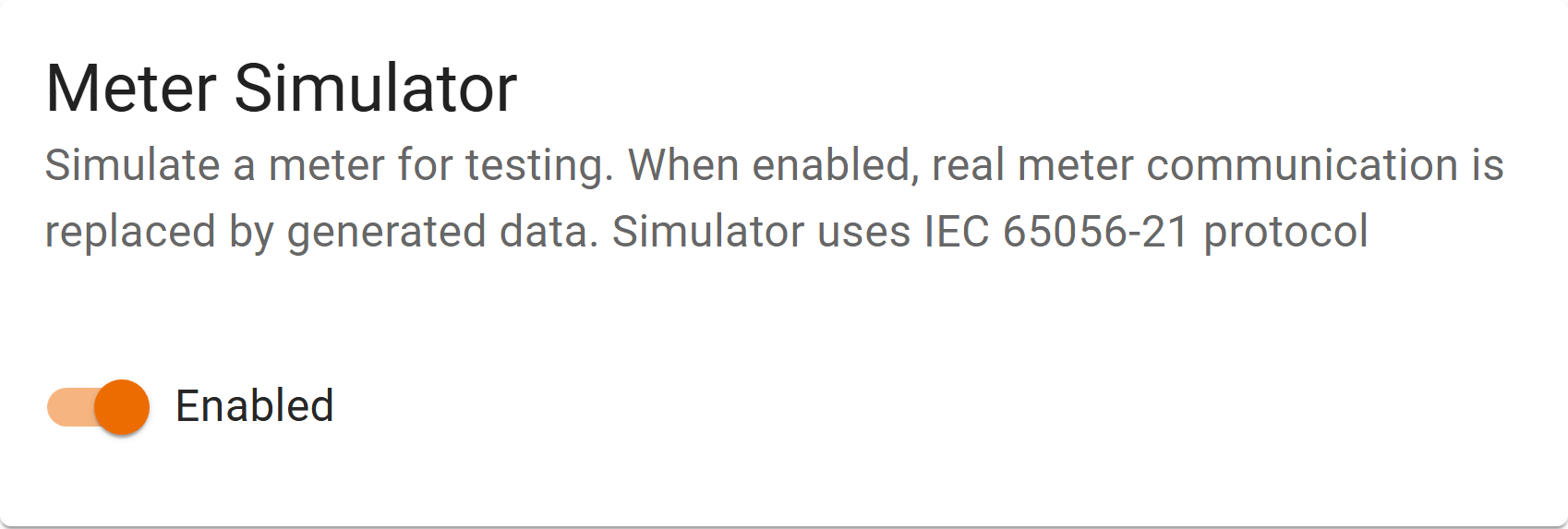
Replaces real meter communication with generated data using the IEC 62056-21 protocol. It exists so the rest of the device — network, Home Assistant, Zigbee, the API — can be tested without a meter present.
WARNING
Values produced with the simulator enabled are not real. Turn it off before drawing any conclusion about your energy use.
Diagnostic
For support cases.
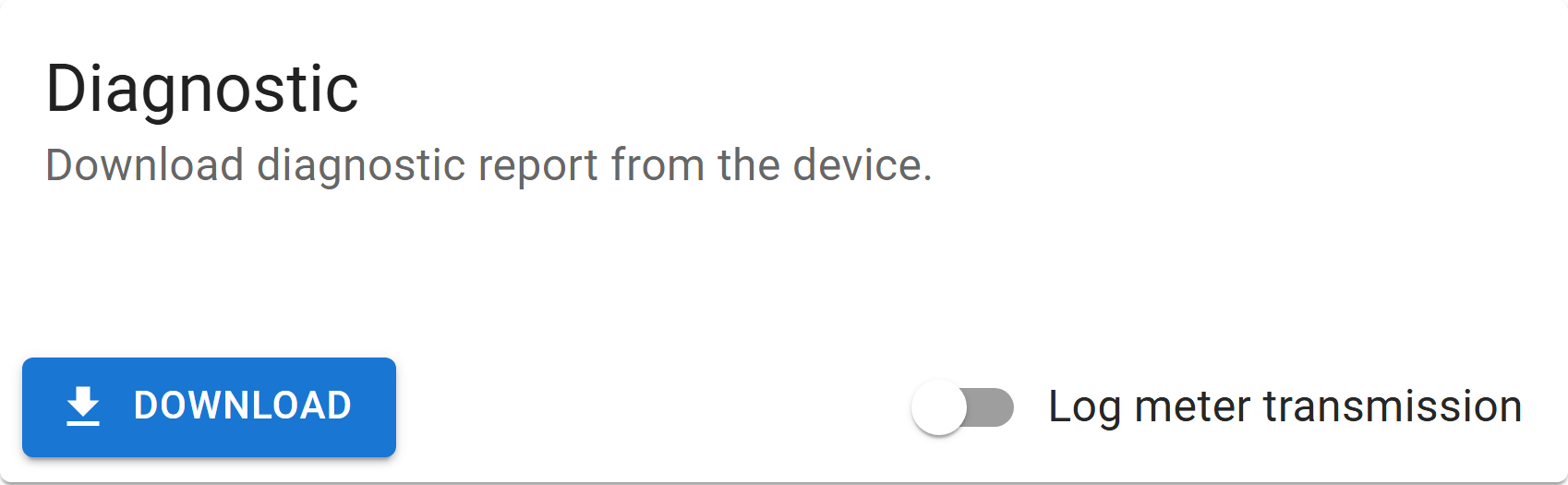
| Control | Effect |
|---|---|
| Saves an encrypted diagnostic report from the device | |
| Log meter transmission | Prints the raw optical conversation with the meter on the USB serial console |
WARNING
These are two separate things. The meter transmission log is not included in the diagnostic report — it goes to the serial console, so capturing it needs a USB-C cable and a terminal.
Send the report to support. For a meter problem, capture the log as well — see Collecting diagnostics.
Device reset
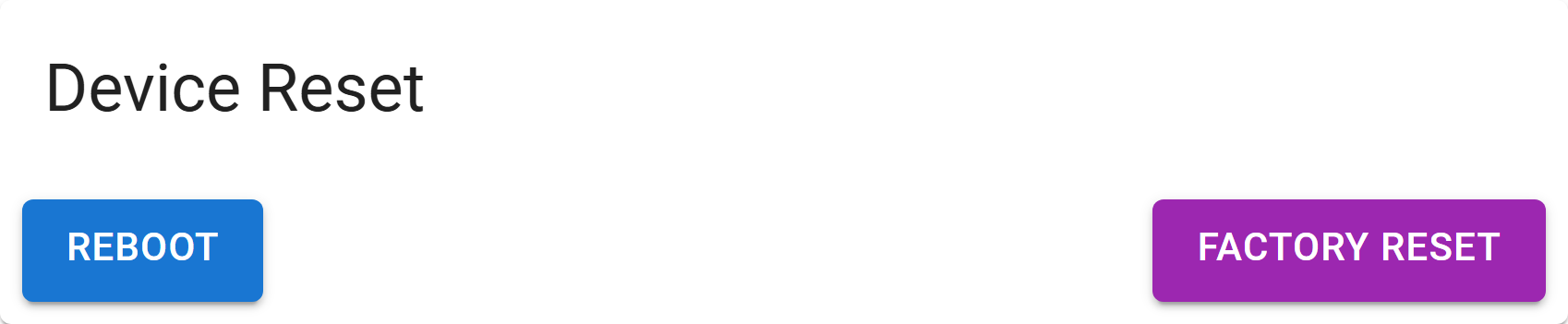
| Button | Effect |
|---|---|
| Restarts the device. Configuration is kept. | |
| Restores factory defaults: clears Wi-Fi credentials, removes Zigbee pairing, resets the administrator password, deletes access tokens and restores the factory HTTPS certificate. Firmware is unaffected. |
WARNING
A factory reset breaks every existing connection. The device becomes reachable only through its own Access Point again.
API equivalents
| Section | Endpoints |
|---|---|
| Device, Software version | /system/version |
| Clock | /system/clock, /system/timezone |
| Upgrade | /system/ota |
| Power saving | /system/power_mode |
| Change password | /system/password |
| HTTPS certificate | /system/certificate, /system/certificate/reset |
| Long-lived access tokens | /system/tokens |
| Device reset | /system/reboot, /system/factory_reset |
| Diagnostic | /system/diagnostic |
| Meter simulator | /iec62056/control |